Account security: Enter Employee ID, password, MFA codes, banking changes and other sensitive account information only inside the official LiteBlue USPS.gov portal.
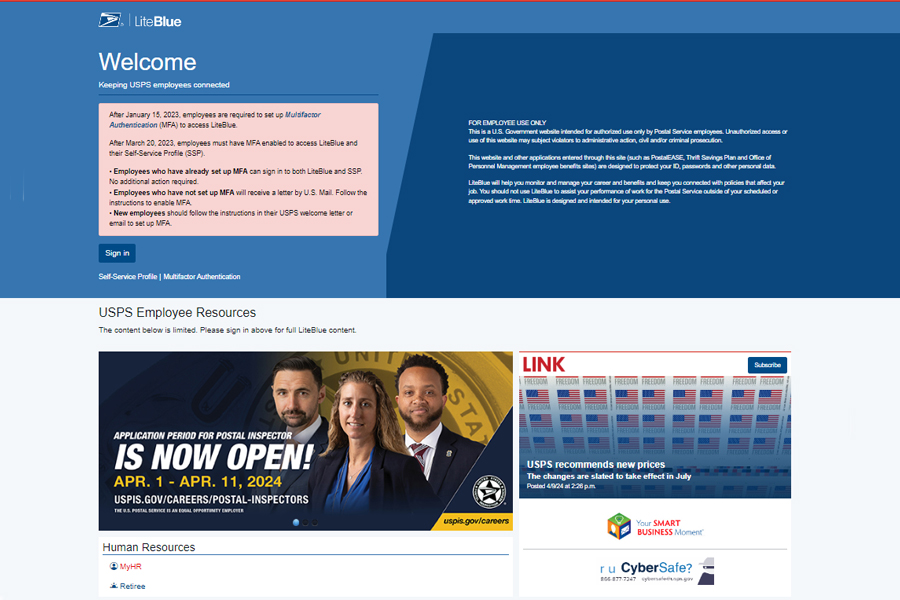
The only official LiteBlue address
USPS identifies liteblue.usps.gov as the legitimate employee portal. Bookmark that address rather than relying on ads, search-result look-alikes, text-message links, or third-party login pages.
How to sign in safely
Open the official portal, select Sign in, enter your 8-digit Employee Identification Number when USPS asks for it, then complete the USPS password and MFA flow on the government site. This guide never asks for an Employee ID, password, PIN, or MFA code.
What you can reach after sign-in
The portal connects employees with USPS employee resources and applications. Public USPS materials reference tools including MyHR, PostalEASE and other self-service applications for payroll, benefits and career tasks.
Before you sign in
Use a device you trust, verify the address bar ends in usps.gov, avoid public computers or untrusted Wi-Fi for sensitive changes, and never approve an MFA request you did not initiate.
Frequently asked questions
Is LiteBlue available outside the USPS network?
Yes. USPS describes LiteBlue as accessible over the internet for employees, subject to authentication and security controls.
Does this website provide a LiteBlue login form?
No. For security, this site provides guidance and links only. Credentials should be entered only on USPS.gov.
What is the official LiteBlue URL?
https://liteblue.usps.gov/
Official sources
Verify time-sensitive information with the current USPS source.
- Official LiteBlue portal ↗
- USPS: Beware of LiteBlue fraudsters ↗
- USPS: Multifactor authentication required ↗
Advertisement space — enable only after AdSense approval